
For iPhone and iPad
Make SVG files for Cricut
Cricut cuts vector shapes. Vectorize Image turns any photo into an SVG that Cricut Design Space can cut.
Scan with your iPhone or iPad camera to open the App Store.
Step by step
How to make a Cricut SVG on iPhone and iPad
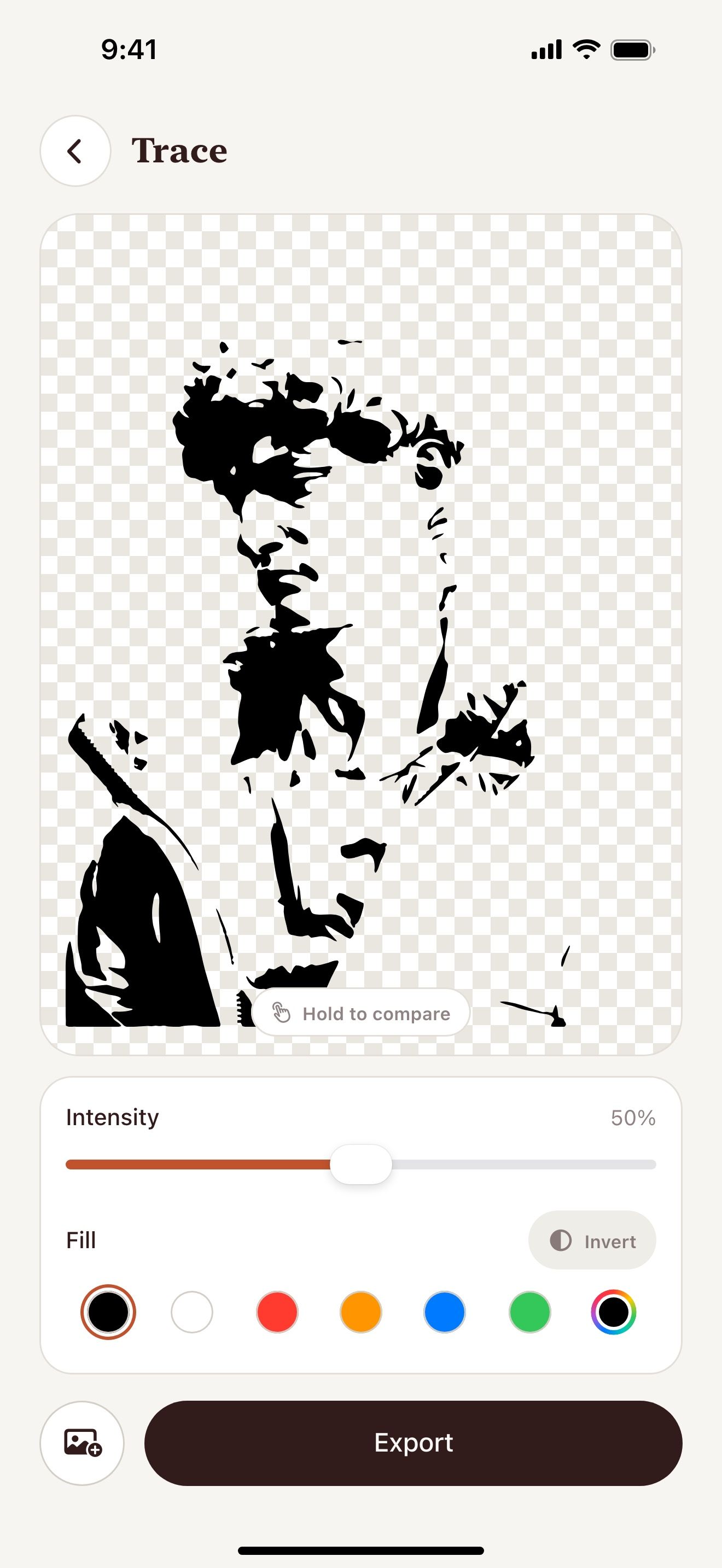
- Open Vectorize Image and tap Trace.
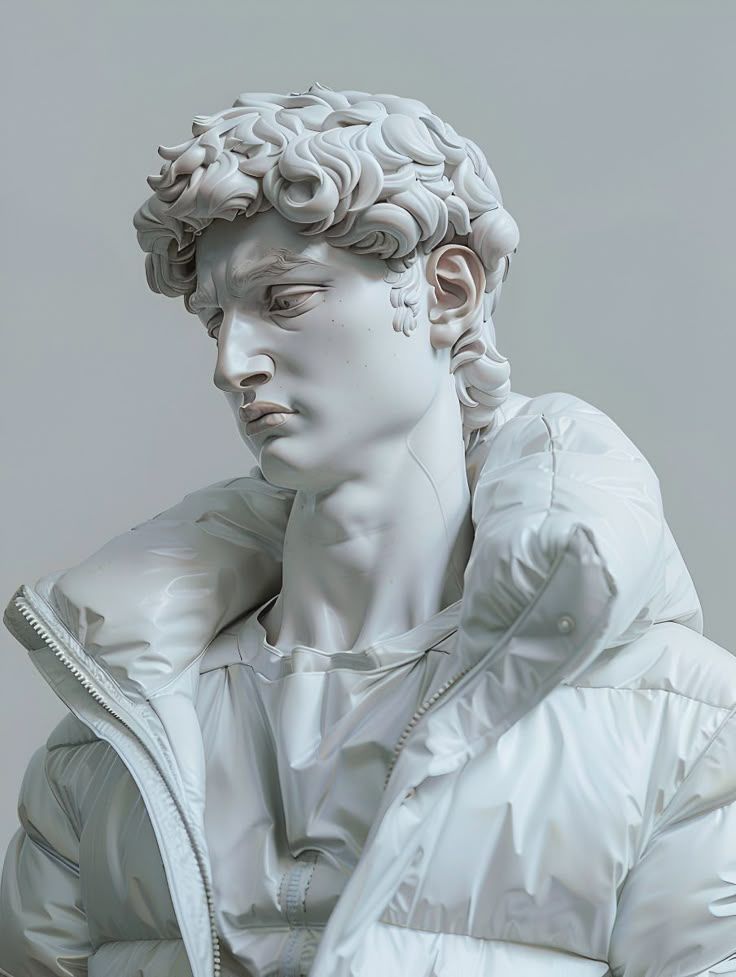
- Pick a photo with a clear subject.
- Move the Intensity slider to set the detail.
- Tap Export and choose SVG.
- Save the SVG to Files.
- In Cricut Design Space, tap Upload and pick the SVG.
What you get
One-color cut files
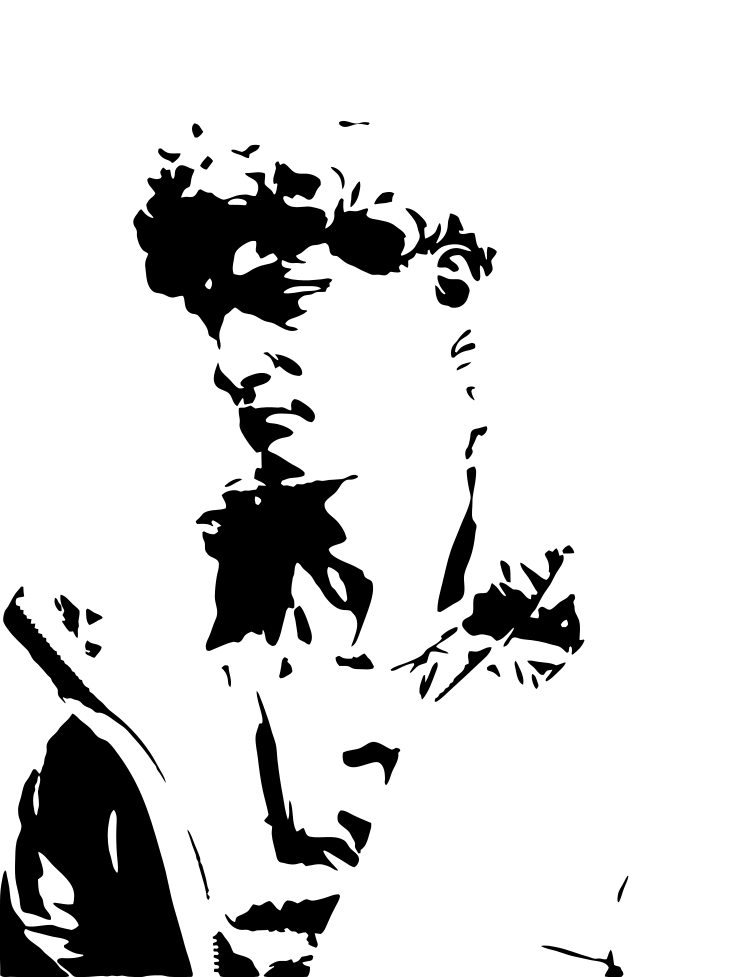
Trace makes a single layer. Cricut cuts it in one pass.
Free with no limit
You can trace as many photos as you want.
Print Then Cut
Image to vector keeps the colors. Use it for Print Then Cut designs.
No computer needed
Make the file on your iPhone or iPad. Upload it from the same device.
Tips for a clean result
- Simple shapes cut better than fine details.
- Lower the intensity to remove tiny pieces that are hard to weed.
- Weld or attach the parts in Design Space after the upload.
Questions and answers
Does Cricut Design Space accept SVG on iPhone and iPad?
Yes. The Design Space app on iPhone and iPad uploads SVG files from Files.
Which tool is best for Cricut?
Trace is best for vinyl and stencil cuts. Image to vector is best for Print Then Cut.
Can I sell items made with these files?
You can sell items made from your own images. Make sure you own the rights to the original photo.
Related pages
The tool for this task

For iPhone and iPad
Make your first Cricut file
Scan with your iPhone or iPad camera to open the App Store.