
For iPhone and iPad
Turn a photo into line art
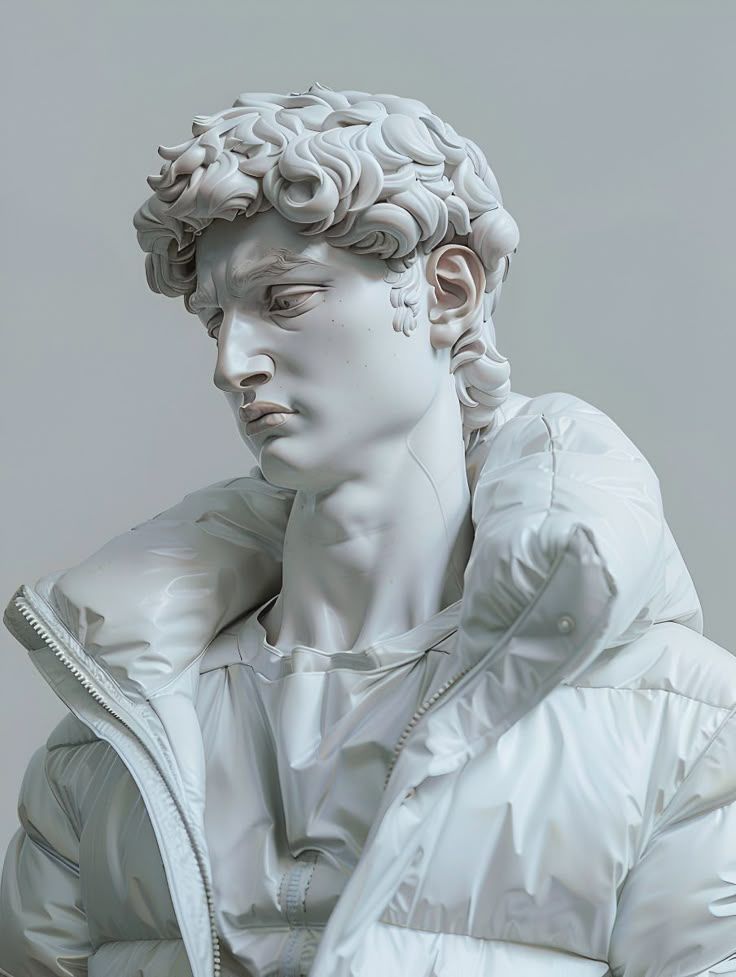
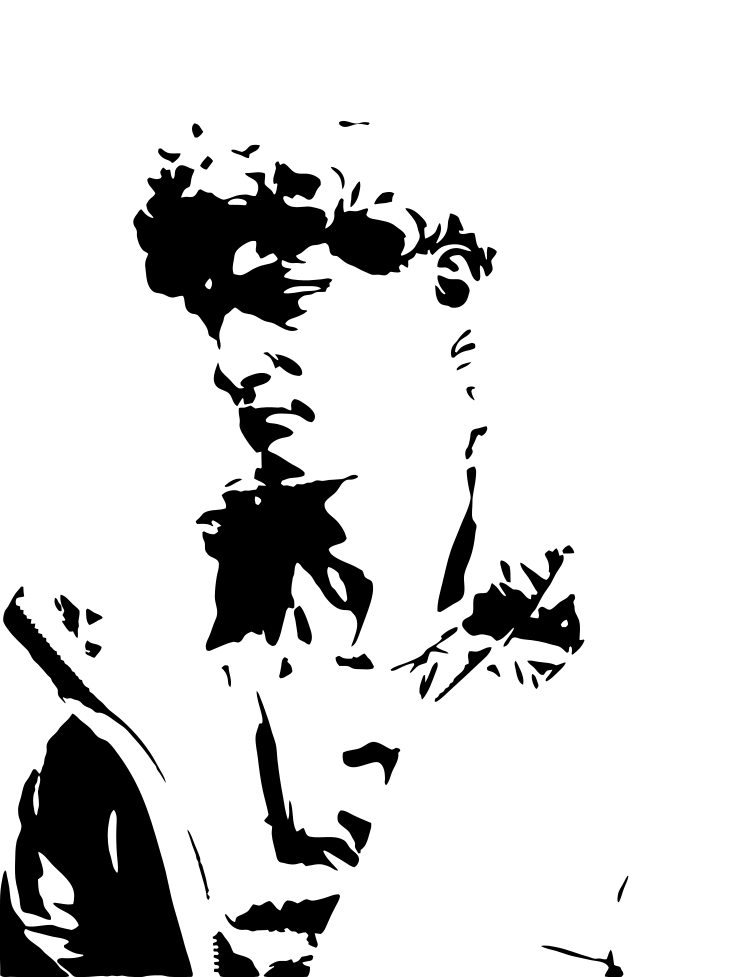
Trace turns a photo into bold black-and-white art. The tool keeps the main shapes and drops the noise.
Scan with your iPhone or iPad camera to open the App Store.
Step by step
How to turn a photo into line art on iPhone and iPad
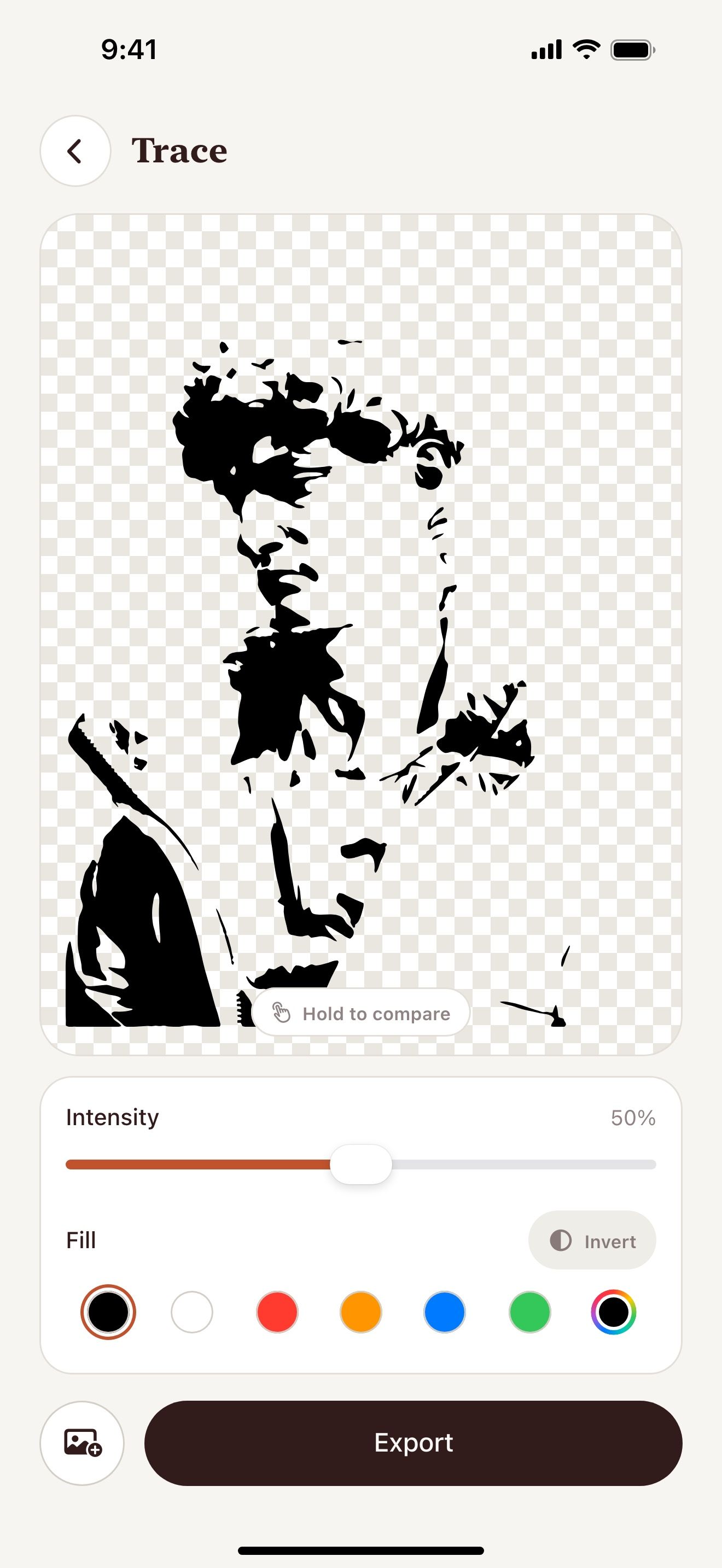
- Open Vectorize Image and tap Trace.
- Pick a photo with strong light and shadow.
- Move the Intensity slider until the lines look right.
- Tap Invert if you want light art on a dark fill.
- Tap Export and save the SVG or PNG.
What you get
Free and offline
Trace runs on your device. It has no limit.
One color
Choose black or any other fill color.
Live preview
The art updates while you move the slider.
Ready to print
Save a PNG up to 4096 px for prints and coloring pages.
Tips for a clean result
- Portraits with side light give the best lines.
- Lower the intensity for bold and simple art.
- Raise the intensity to keep fine details.
- Remove the background first to get a clean edge.
Questions and answers
Is this real line art?
Trace draws the dark areas of the photo as solid shapes. The result looks like an ink drawing or a stencil.
Can I make a coloring page?
Yes. Use a low intensity and export a PNG. Then print it.
Is it free?
Yes. Trace is free with no limit.
Related pages
The tool for this task

For iPhone and iPad
Turn your photo into line art
Scan with your iPhone or iPad camera to open the App Store.