
For iPhone and iPad
Convert HEIC photos to SVG
iPhone and iPad save photos in HEIC. Many converters do not accept HEIC. Vectorize Image opens it straight from Photos.
Scan with your iPhone or iPad camera to open the App Store.


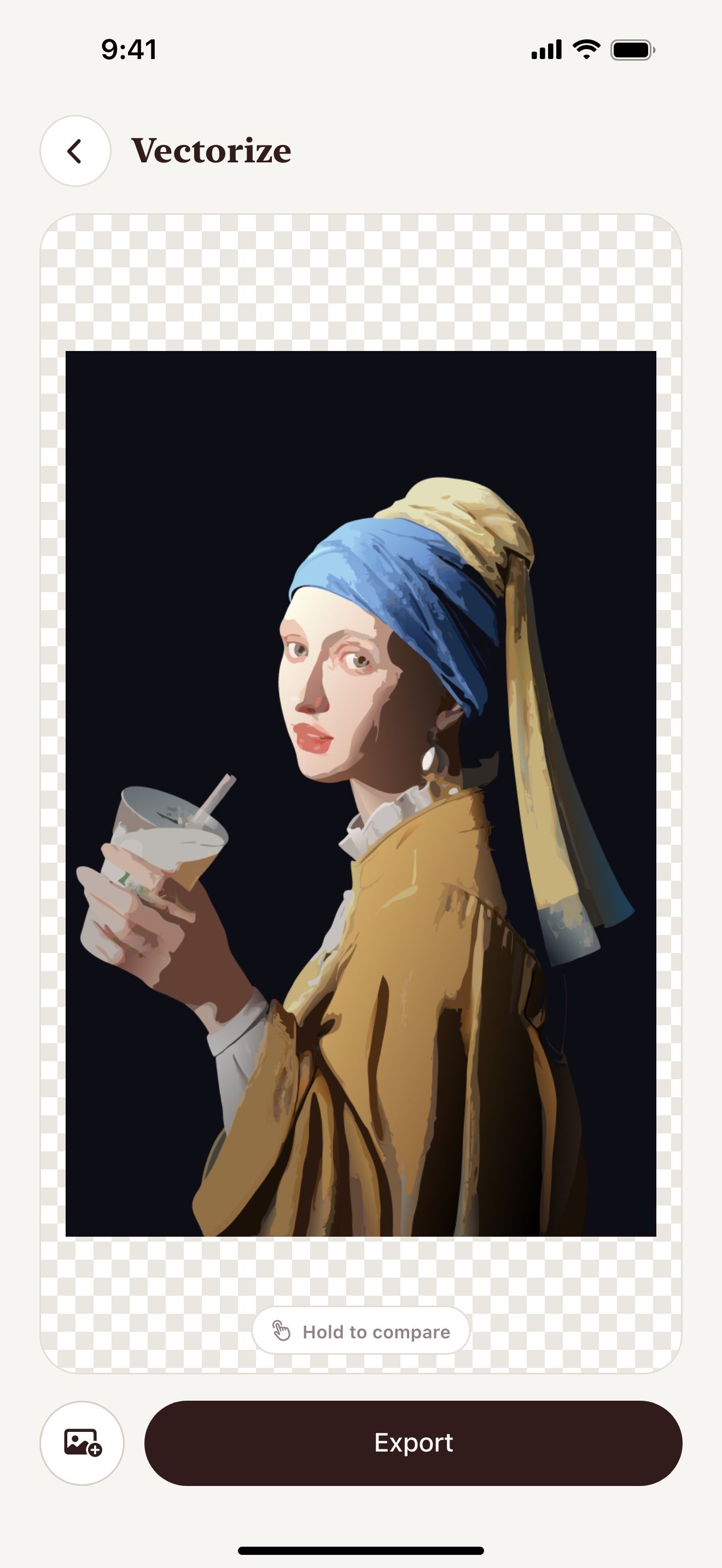
Step by step
How to convert HEIC to SVG on iPhone and iPad
- Open Vectorize Image and tap Image to vector or Trace.
- Pick the photo from your library.
- Wait a few seconds for the result.
- Tap Export and choose SVG.
- Save the SVG to Files.
What you get
No extra step
You do not convert HEIC to JPG first. The app reads HEIC directly.
Photos from the camera
Take a new photo in the app. The photo goes straight to the tool.
Two styles
Image to vector keeps the colors. Trace makes a one-color silhouette.
iCloud Photos
The app opens photos from iCloud Photos on iPhone and iPad.
Tips for a clean result
- Pick a sharp photo with a clear subject.
- Use Trace for stencils and cut files.
- Use Image to vector for color art.
Questions and answers
What is HEIC?
HEIC is the photo format that iPhone and iPad use by default. It keeps the quality at a small file size.
Do I need to change the camera settings?
No. The app opens HEIC photos as they are.
Can I convert HEIC to PNG?
Yes. Export the result as PNG. Remove background also saves a PNG with a transparent background.
Related pages
The tool for this task

For iPhone and iPad
Turn your photos into SVG
Scan with your iPhone or iPad camera to open the App Store.