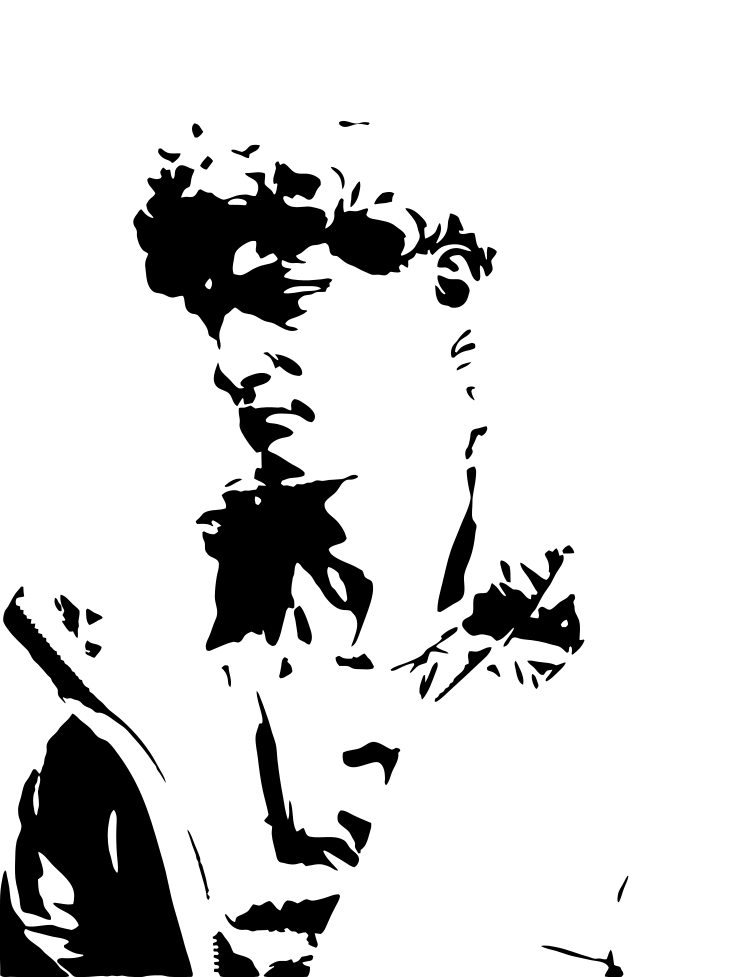
How to make an SVG for Cricut on iPhone and iPad
You can make a Cricut cut file from a photo without a computer. This guide takes about five minutes.
What you need
- An iPhone or iPad with iOS 17.6 or later.
- Vectorize Image from the App Store.
- The Cricut Design Space app.
- A photo with a clear subject.
Trace is free with no limit. You do not need a subscription for this guide.
Why Cricut needs an SVG
A Cricut machine cuts along lines. A photo has no lines. It has only pixels.
An SVG describes shapes with lines and curves. Design Space reads these lines as cut paths. So you need to turn the photo into an SVG first.
Step 1. Trace the photo
Open Vectorize Image and tap Trace. Pick a photo from your library or take a new one.
Trace turns the photo into a one-color silhouette. The silhouette updates while you move the Intensity slider.
- Move the slider left for bold shapes with few details.
- Move the slider right to keep more details.
For vinyl, bold shapes work better. Small pieces are hard to weed.
Step 2. Check the result
Touch and hold the eye button. The app shows the original photo. Release the button to see the silhouette again.
Tap Invert if you need the opposite areas filled. For example, use Invert for a stencil where the light areas get the paint.
Step 3. Export the SVG
Tap Export and choose SVG. The share sheet opens.
Tap Save to Files and pick a folder. The Photos app does not accept SVG files, so do not look for the file there.
Step 4. Upload the SVG to Design Space
- Open Cricut Design Space and start a new project.
- Tap Upload, then Browse Files.
- Pick the SVG from the folder you chose in step 3.
- Add the image to the canvas.
Design Space shows the silhouette as one layer. Set the size and send it to the machine.
Tips for a clean cut
- Use a photo with a plain background. Remove the background first if it is busy.
- Lower the intensity if the preview shows many tiny islands.
- Weld the parts in Design Space if the design must cut as one piece.
- Test the cut on scrap vinyl before you use the good material.
Need colors?
Trace makes one color. For a color design, use Image to vector instead. It keeps the main colors as flat shapes. Use the result for Print Then Cut.